Turning a Stream Deck+ into a Reolink Camera Controller
I started looking for a simple, low-budget camera controller. After exploring dedicated controllers and DIY options, the useful starting point was already on my desk: a Stream Deck+ connected to my Mac.
The goal became moving the Reolink camera, recalling saved views, and making small adjustments with a dial while watching the NVR’s HDMI output.
The setup paired a Reolink RLC-830A with an RLN8-410 NVR. A small set of local scripts became the bridge between the Stream Deck and the NVR’s API.
Getting the camera moving
The February build started with authentication and a misleading channel number. Login needed a token, and commands sent to channel 5 returned “device offline.” Checking the NVR’s channel list showed the camera at API channel 4. Correcting that produced the first successful movement.
From there, one master script handled login, movement, stopping, and preset calls. Keeping the connection settings in one configuration file also made the later network change easier to handle.
Making the controls useful
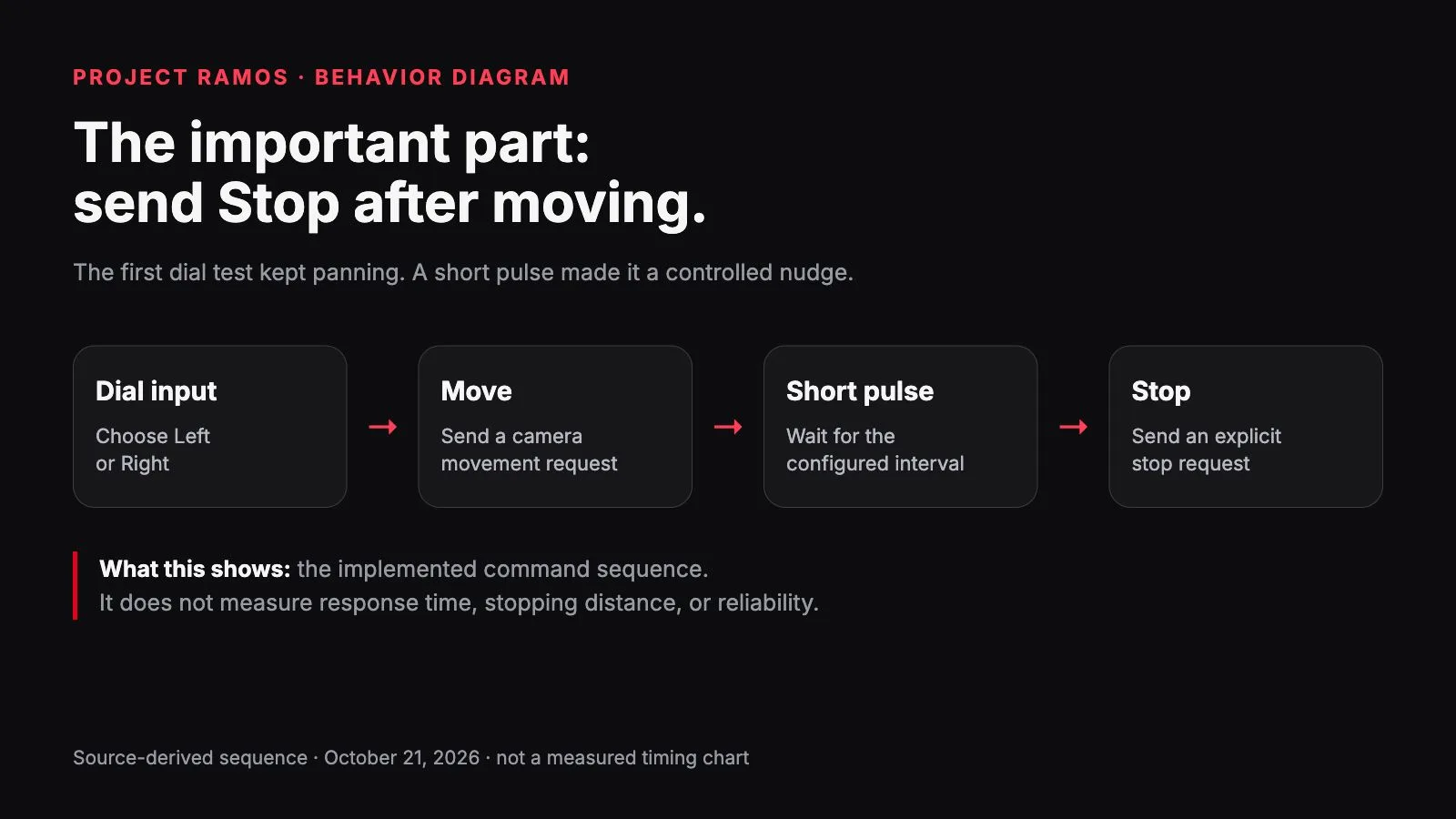
The first dial test panned all the way left. Sending a movement command started the camera; stopping the dial didn’t stop the camera. The fix was a short movement pulse followed by an explicit Stop. After that change, the test became a controlled nudge.
Getting the buttons to launch those scripts took more work. The imported profile didn’t execute as expected and landed on a different page. Command-file launchers moved the camera but opened Terminal. Silent script execution removed that distraction, and logging helped separate a button-launch problem from a camera-command problem.
Presets needed another correction: the initial IDs were examples, not presets discovered on the NVR. They had to match saved positions. A fourth preset wrapper followed when I confirmed a fourth saved view.
Zoom and spotlight control
Zoom was tried in February and revisited in June. The test script produced no zoom, and my viewing setup was the NVR’s direct HDMI output. Reolink lists the RLC-830A as a pan-and-tilt model; its fixed lens doesn’t provide motorized optical zoom. Digital enlargement in a viewer is a separate control problem. Zoom stayed outside the working integration.
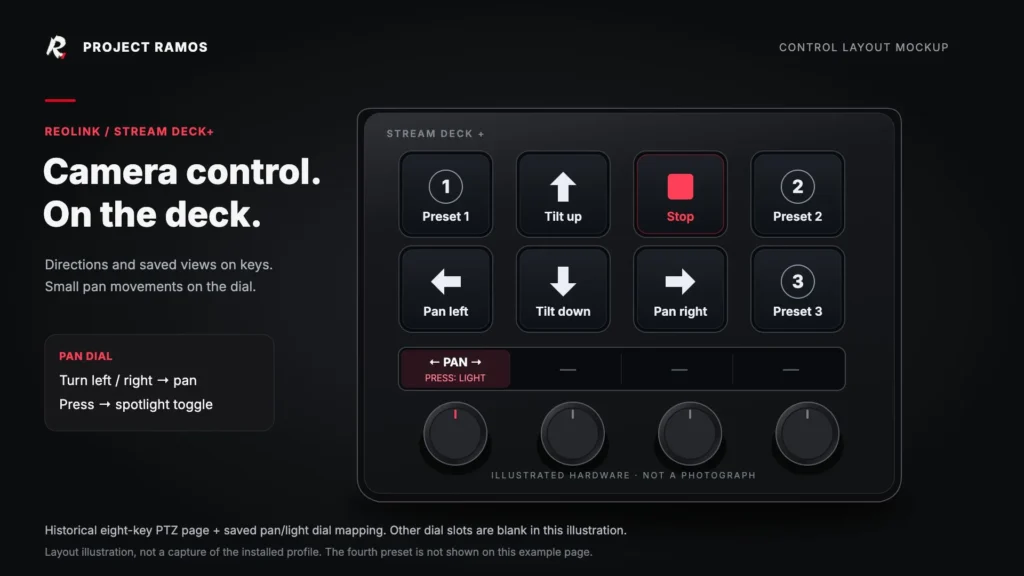
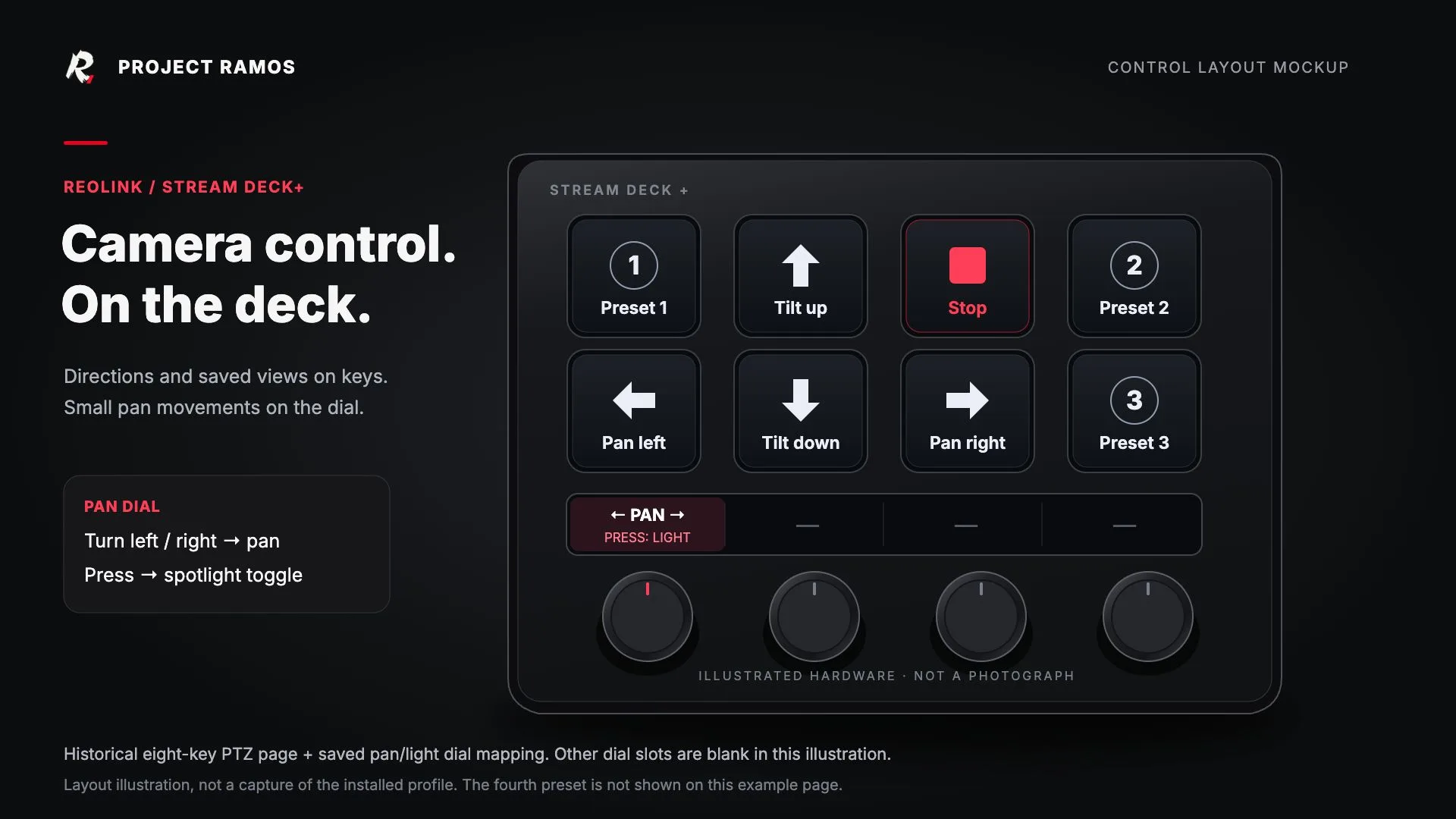
The June work also added spotlight control. The saved Stream Deck configuration now maps left/right pan and a light-toggle action to a dial control.
Build timeline
- February 4–5, 2026: Token login, the correct camera channel, reusable scripts, dial nudging, launch troubleshooting, and a fourth preset wrapper.
- February 9: Zoom test failed; the HDMI viewing path defined the limit of this version.
- May 22: Revisited the setup and its existing pan, tilt, and preset controls.
- June 1–2: Troubleshot camera controls, added spotlight control, and revisited the zoom limitation.
- June 18: A network change broke control. After updating the connection settings, clearing cached login state, and testing capitalized movement commands, the camera moved again: “boom, were back moving and groovin.”
This is a personal working integration with a few rough edges, rather than a packaged plugin. Camera movement was confirmed during the build and recovery. The history review didn’t rerun the hardware tests or verify the planned MacBook migration.
Technical reference: Reolink’s explanation of pan, tilt, and zoom capabilities.